Artificial intelligence can write Python functions, identify errors, explain complex algorithms, and help build complete applications. This raises an interesting question: if AI can write code for us, can it also teach us how to program?
The answer is that AI can be an incredibly useful mentor, but only when we use it effectively.
Getting Code Is Not the Same as Knowing How to Program
Imagine receiving an assignment to write a program that calculates a student's average grade.
You could open an AI tool, describe the task, and receive a solution in seconds:
grades = [5, 4, 5, 3, 4]

average = sum(grades) / len(grades)

print(average)
The program works. But what have you actually learned?
Do you understand what the grades list represents? What does sum() do? Why do we divide by len(grades)? What happens if the list is empty?
If you cannot answer these questions, you have received working code, but not necessarily the understanding needed to solve the next problem independently.
Programming is not just about producing code. It involves understanding problems, designing solutions, testing, and fixing mistakes.
AI as a Shortcut or AI as a Mentor?
The difference often comes down to the questions we ask.
One approach is to use AI exclusively for ready-made solutions:
"Write a program that solves this assignment."
Another approach is to use AI as a mentor:
"Help me understand the problem. Ask me questions and give me hints, but don't immediately provide the complete solution."
The first approach may help you finish the assignment faster. The second gives you more opportunities to learn.
This doesn't mean generating code is inherently wrong. Professional developers use AI tools to work more efficiently. However, when your goal is learning, skipping the reasoning process can undermine that goal.
Five Ways to Use AI for Better Programming Education
1. Ask for Explanations Instead of Complete Solutions
If you don't understand a loop, condition, or function, ask AI to explain the concept in simple terms and provide a small example.
Even better, ask why the code behaves the way it does.
2. Predict the Output Before Running the Code
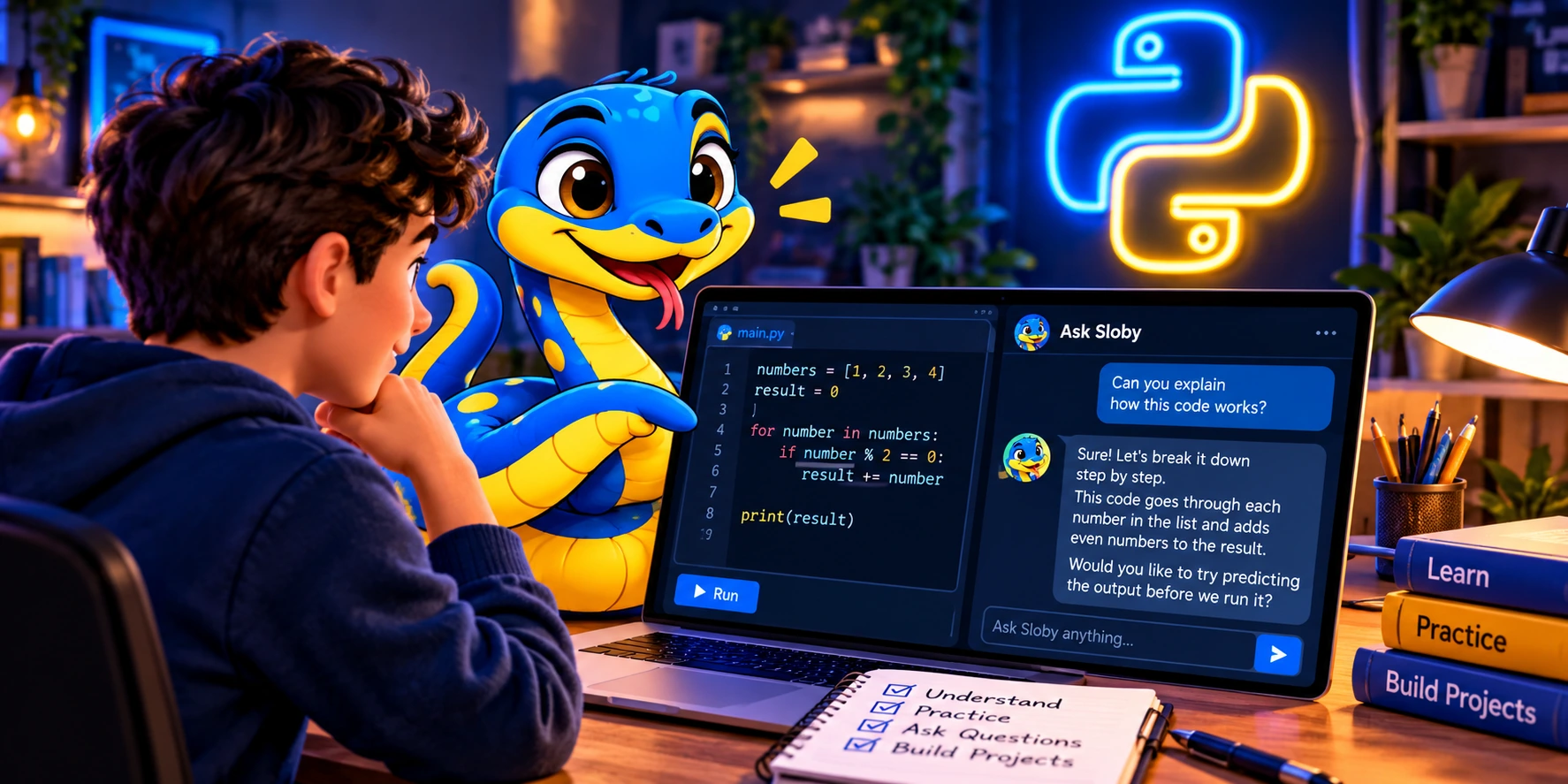
Consider the following example:
numbers = [1, 2, 3, 4]
result = 0

for number in numbers:
    if number % 2 == 0:
        result += number

print(result)
Before running it, try to predict the output. Then ask AI to evaluate your explanation.
This exercise combines collections, loops, conditions, and operators. The final number is only a small part of what you can learn from it.
3. Use AI to Understand Errors
Mistakes are a natural part of programming. Instead of requesting corrected code immediately, try asking:
"Why am I getting this error, and how can I identify the cause myself?"
Over time, this helps you develop debugging skills that are essential in almost every software project.
4. Request Additional Exercises
If you've just learned about lists, AI can suggest several beginner exercises and gradually increase the difficulty.
Rather than repeating the same example, you can practice applying one concept in different situations.
5. Check Your Understanding
After finishing a lesson, ask AI to quiz you about the code you've written.
If you can explain how your program works, why you selected a particular approach, and what you would change in another situation, that's a stronger indicator of understanding than successfully copying a familiar example.
Meet Sloby, Your Python AI Mentor
This learning philosophy inspired Sloby, the AI mentor integrated into Python AI Tutor.
Sloby is designed to support learners when they encounter confusion, challenges, or errors during hands-on programming.
Through features such as Ask Sloby and Check My Code, learners can ask questions, request guidance, and receive feedback about their code.
The goal isn't merely to show what to type. It's to help learners understand why a solution works.
Sloby can support your learning journey, but it doesn't replace your own reasoning, practice, or experimentation.
Can an AI Mentor Make Mistakes?
Absolutely, and it's important to understand this from the beginning.
AI systems sometimes generate inaccurate explanations, suggest code that doesn't work in a particular environment, or misunderstand the original task.
That's why you should run the code, verify results, and question explanations rather than accepting everything automatically.
This is where programming fundamentals become especially valuable. The better you understand variables, data types, collections, functions, and control flow, the easier it becomes to evaluate AI-generated suggestions.
Will AI Change the Way We Learn Programming?
It already is.
Today, learners can request explanations of nearly any programming concept, adapt examples to their skill level, and explore alternative ways to solve problems.
But access to answers isn't the same as acquiring knowledge.
Learning still requires active participation: reading, writing, testing, making mistakes, and solving problems independently.
Perhaps the greatest educational value of AI isn't that it gives us answers, but that it can help us ask better questions.
Conclusion: AI Can Be a Great Mentor, but You're Still the Programmer
If you use AI only to complete assignments for you, you might get results quickly without developing many new skills.
But if you use AI to understand concepts, analyze mistakes, check your knowledge, and explore solutions, it can become a valuable learning partner.
That's the philosophy behind Python AI Tutor: learn through concepts, hands-on examples, understanding checks, and support from Sloby AI mentor.
Don't memorize Python. Learn to think like a programmer.